Content Layouts
Layouts for displaying content with images, columns, and lists.
two-cols - Two Columns
Use for: Comparing or showing parallel content
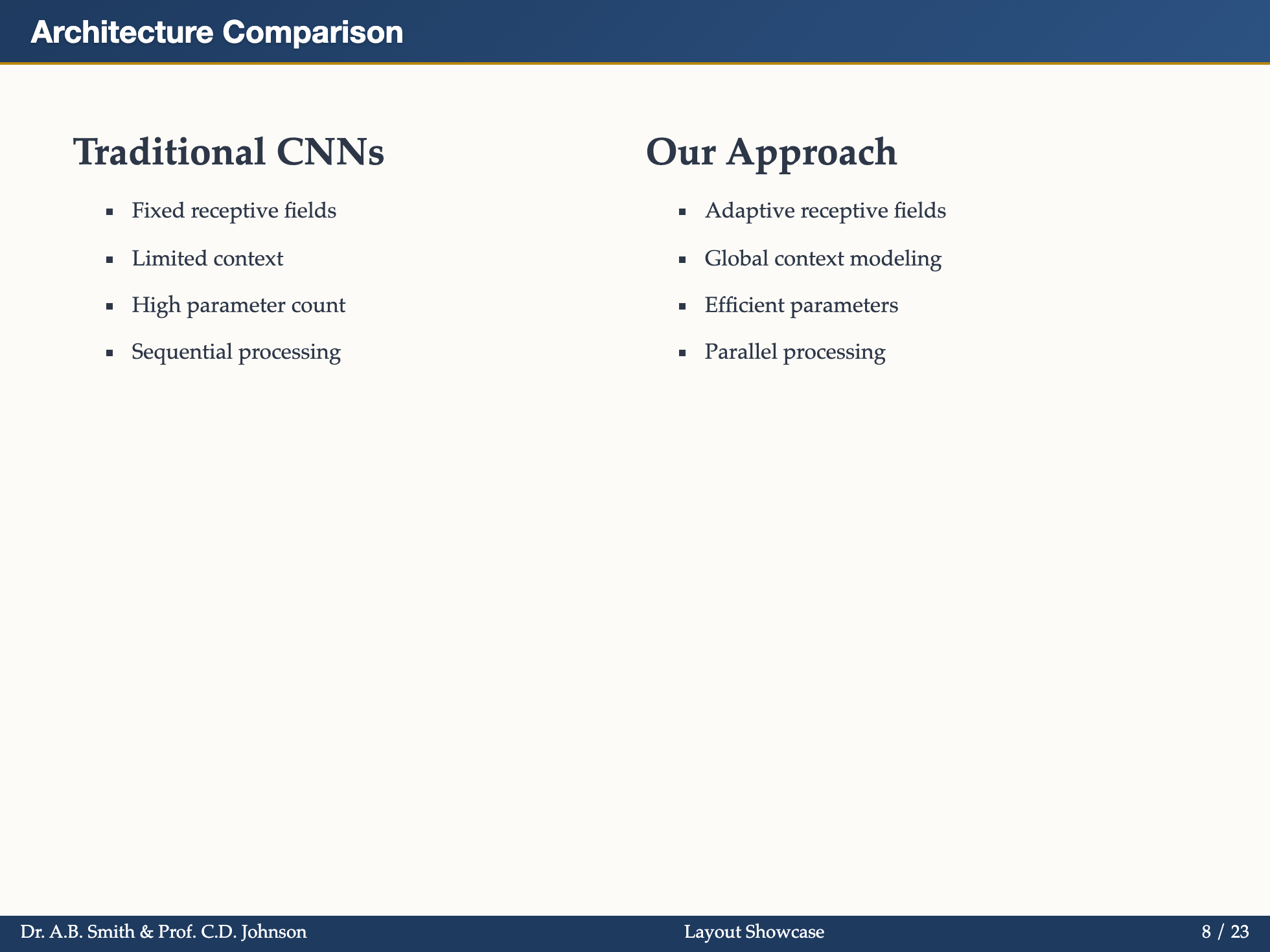
markdown
---
layout: two-cols
ratio: "2:3"
title: Two Columns Layout
---

## Left Column (2fr)

This column takes 2 parts of the width.

- Point 1
- Point 2

::right::

## Right Column (3fr)

This column takes 3 parts of the width.
Props:
ratio: Column width ratio, e.g., "1:1", "2:3" (default: "1:1")title,subtitle: Optional header content
What it shows:
- Left column content (before
::right::) - Right column content (after
::right::) - Configurable width ratio
image-left - Image on Left
Use for: Explaining visuals with text
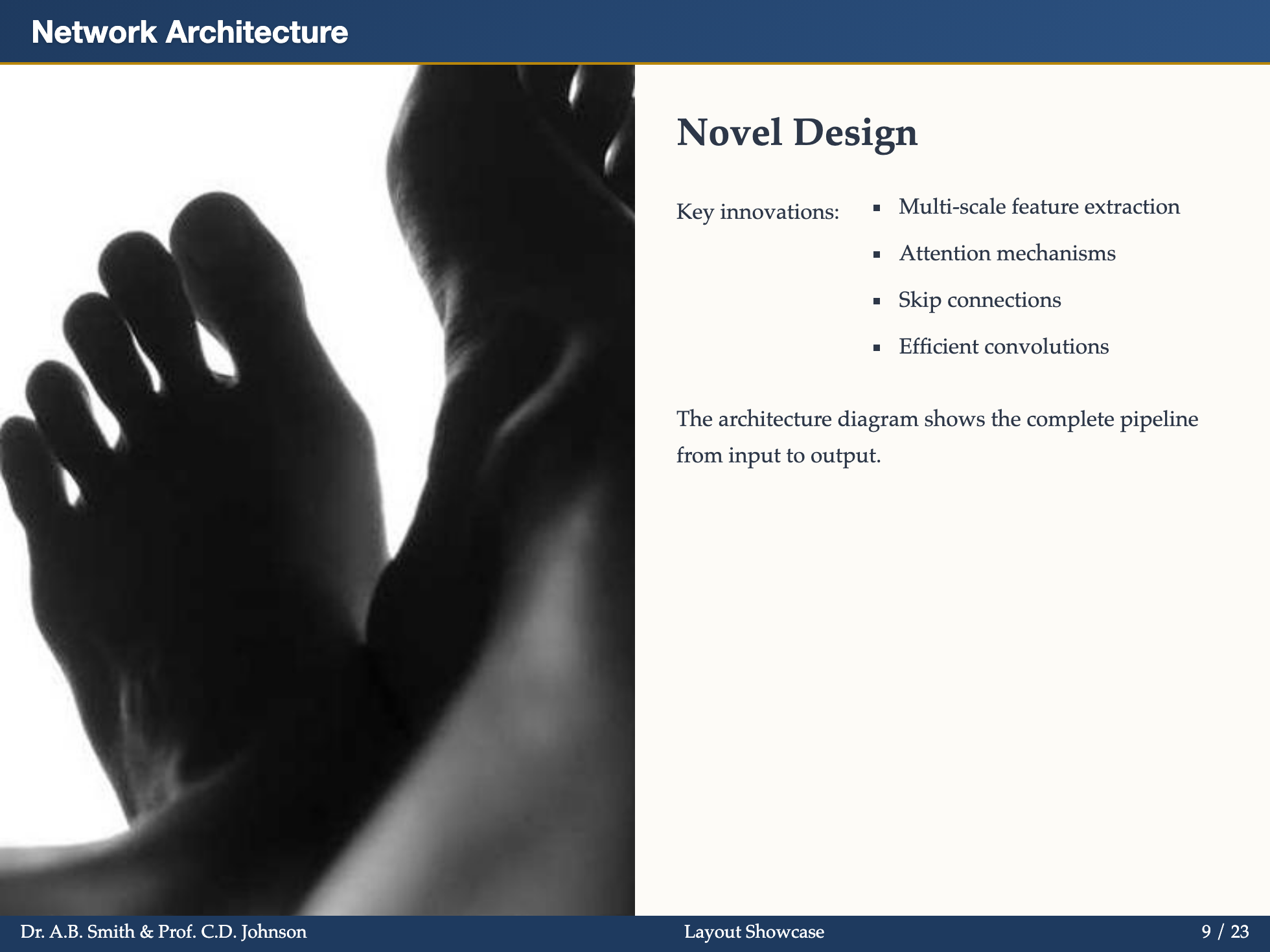
markdown
---
layout: image-left
image: ./path/to/image.png
ratio: "1:2"
title: Image Left Layout
---

## Content on Right (2fr)

- Equipment A
- Equipment B
- Equipment C

Description of the setup...
Props:
image: Image URL or pathratio: Image:content ratio (default: "1:1")fit:cover,contain,fill(default:cover)title,subtitle: Optional header content
What it shows:
- Full-height image on the left
- Your content on the right
image-right - Image on Right
Use for: Text with supporting visual
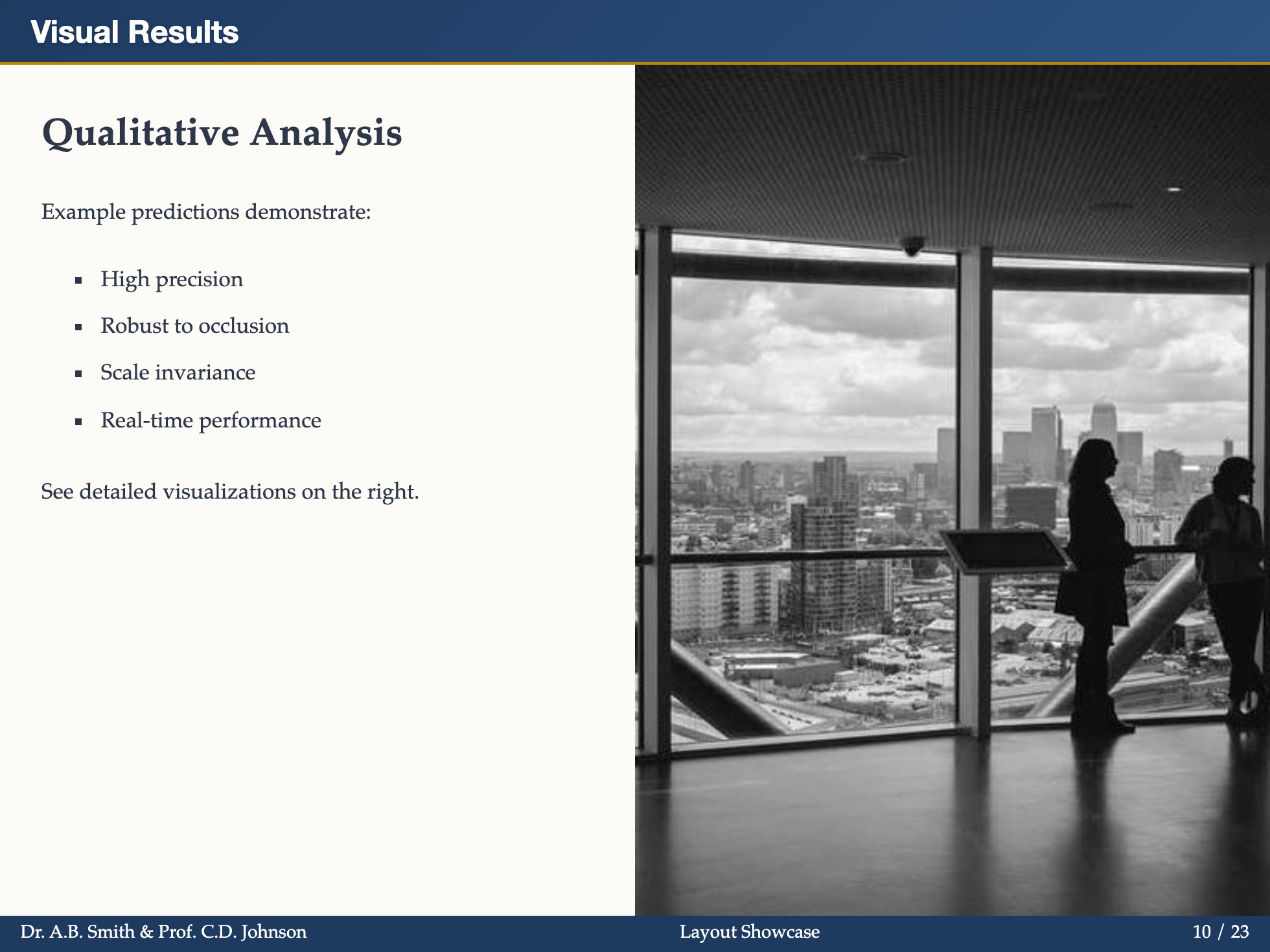
markdown
---
layout: image-right
image: https://example.com/image.jpg
ratio: "3:2"
fit: contain
title: Image Right Layout
---

## Content on Left (3fr)

Our findings show...

- Finding 1
- Finding 2
Props:
image: Image URL or pathratio: Content:image ratio (default: "1:1")fit:cover,contain,fill(default:cover)title,subtitle: Optional header content
What it shows:
- Your content on the left
- Full-height image on the right
bullets - Enhanced List
Use for: Professional bullet point styling with custom markers
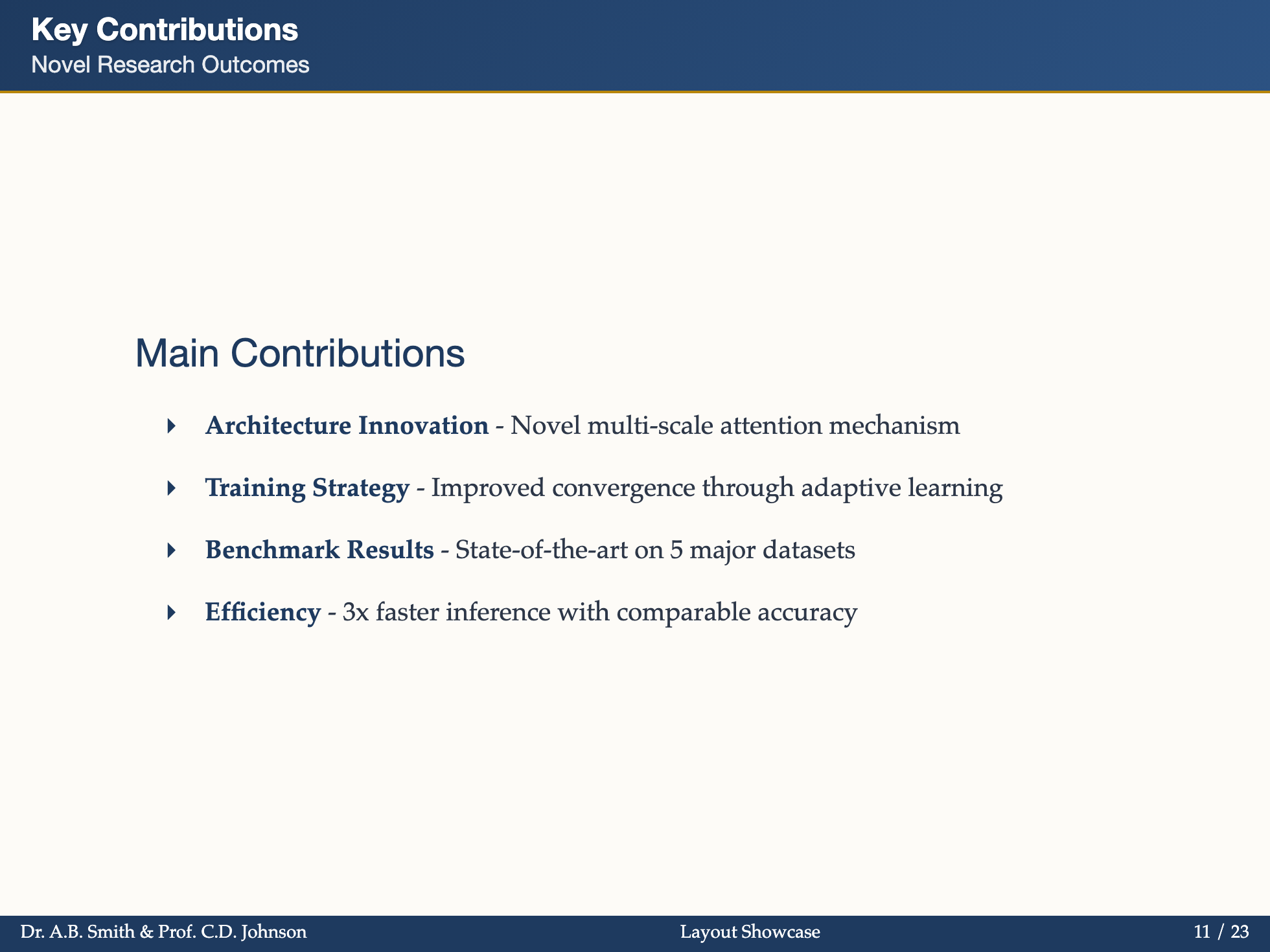
markdown
---
layout: bullets
title: Key Points
subtitle: Summary
icon: "→"
---

## Main Findings

- **Point 1** - Description
- **Point 2** - Description
- **Point 3** - Description
Props:
title: Slide titlesubtitle: Optional subtitleicon: Custom bullet character (default:▸)
Features:
- Custom bullet markers
- Numbered lists with circular badges
- Nested list support
figure - Academic Figure
Use for: Display figures with proper academic captions and labels
markdown
---
layout: figure
image: ./images/architecture.png
caption: Overview of our proposed system architecture.
label: "Figure 1:"
title: System Architecture
height: 60%
---

Additional description below the figure.
Use image instead of src in Slidev frontmatter. src is reserved by Slidev for external slide sources and can cause the figure slide to disappear from builds and exports.
Props:
image: Image URL or pathcaption: Figure captionlabel: Label prefix (e.g., "Figure 1:")title: Slide titlesubtitle: Optional subtitleheight: Image height (default:60%)fit:contain,cover,fill(default:contain)
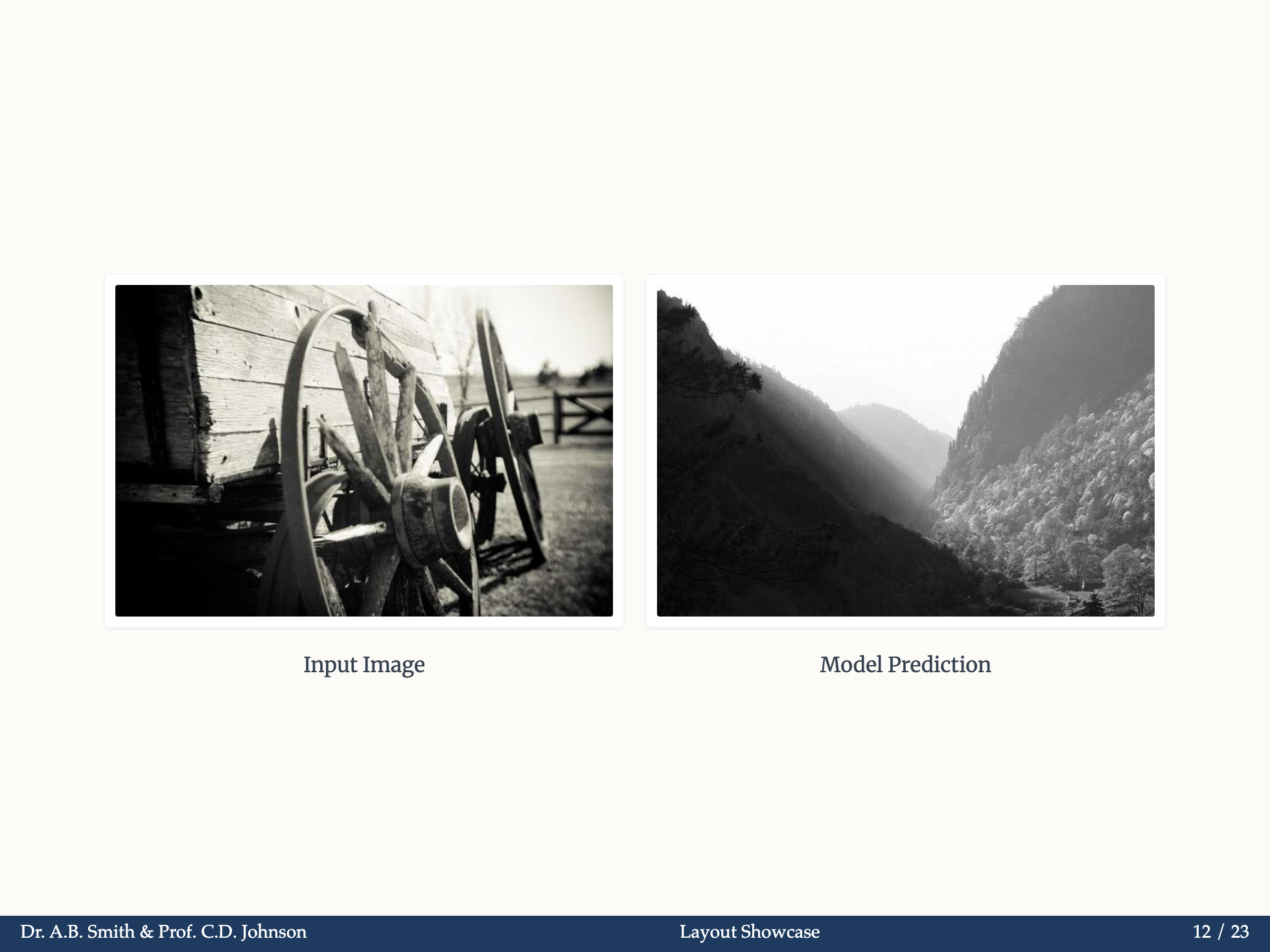
split-image - Image Comparison
Use for: Display multiple images side by side with captions

markdown
---
layout: split-image
images:
  - ./before.png
  - ./after.png
captions:
  - Before optimization
  - After optimization
title: Visual Comparison
---
Props:
images: Array of image URLscaptions: Array of caption stringstitle,subtitle: Header content